PRODUCT LINK: Get yours on Amazon today.
 RUKO U11MINI 4K(RC3) drone
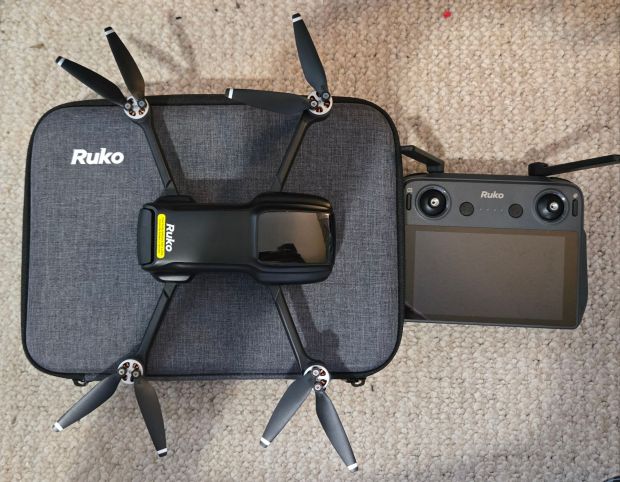
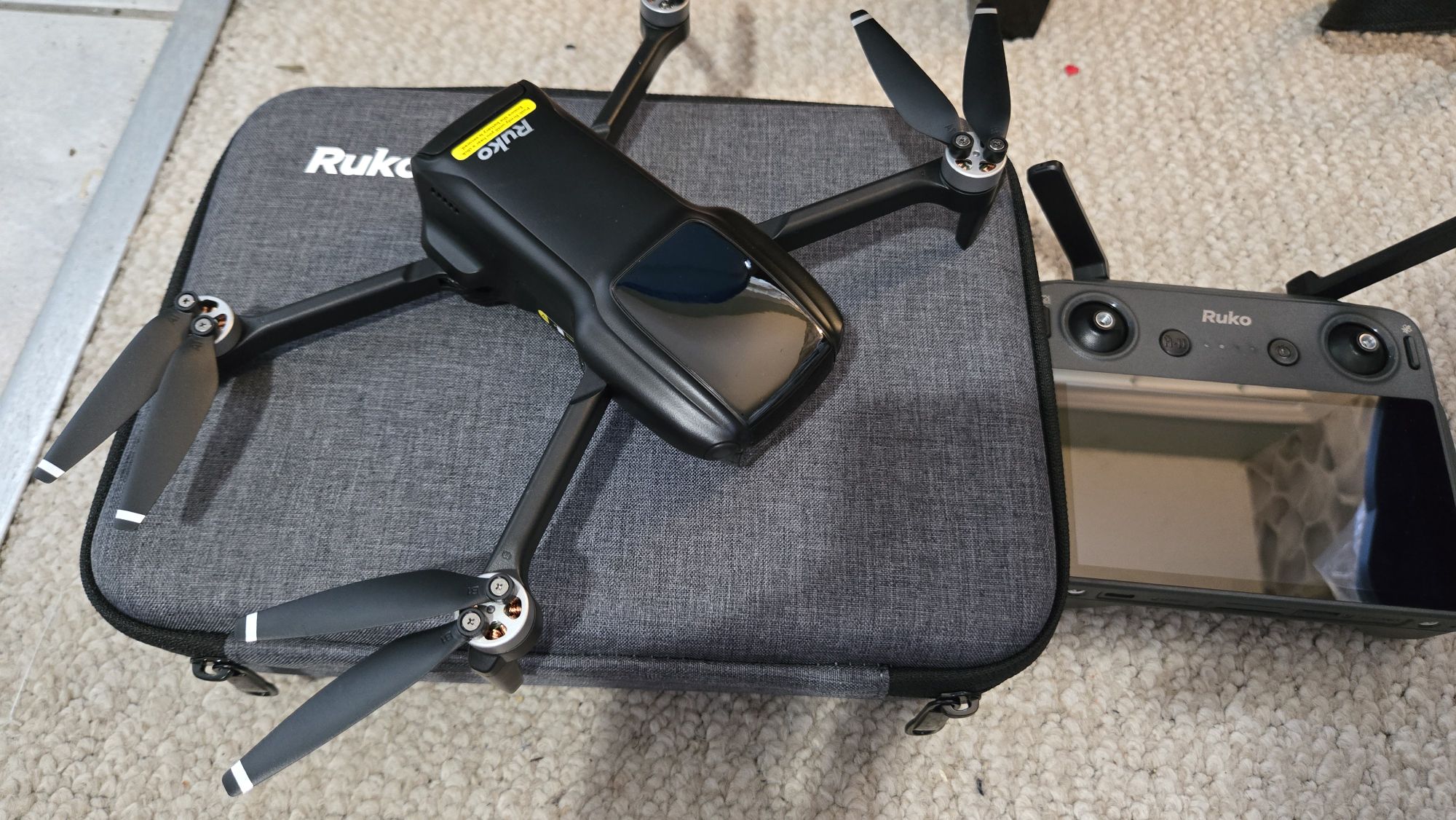
Interested in flying a drone, but don’t know where to start? What you need is something easy and intuitive, that doesn’t require registration, and comes with everything you need to get going, in one package. I present to you the new Ruko U11MINI 4K(RC3) drone. In one handy case, you can get flying in minutes without having to use your phone. Because this drone is under 250 grams, you don’t need to register it.
Let’s unpack the convenient carrying case. Inside you’ll find a paper user manual (always superior to PDF files), your drone, some spare propellers, charging cables, batteries, and the secret weapon: the RC3 controller with built in 5.5″ screen. With no need to connect and pair with a phone, the controller connects to the drone automatically on startup. The antennae fold away neatly, and the controller offers programmable buttons along with the standard controls. No more worrying about your phone battery, or the phone overheating.
Once you have everything charged to full, you’re ready to get flying. The drone has a range of up to 6 km, and is able to capture 8K photo resolution and 4K video recording. Speaking of video, you get a crisp 3-axis brushless gimbal for stable, smooth, and high-quality footage. You can see a sample video below.
The U11MINI 4K features a cruise control function for easy flying. It works just like your car – just hit it, and the drone will continue along that flight path and speed. There is an advanced positioning system, with GPS, a barometric altitude hold, optical flow positioning and TOF positioning for times when the GPS signal is weak. You’ll achieve more stable low-altitude flight, and smoother landings, as I did on my first flight. The drone has three speeds: low, medium and high (“sport mode”). The sport mode can be used in windier conditions, to give the drone more responsive power. There is an automatic return to home feature, if the drone loses signal or the battery runs low.
There are several intelligent flight modes. GPS follow is a common one, allowing the drone to automatically follow your position on the ground. There are also programmable routes, and an image follow feature. You can have the drone follow an object that you select on the touch screen. You can also have it circle around a point of interest.
You can choose to store your video footage on a micro SD card (not included), but you don’t have to. Videos can be stored on the controller, which can be connected to a Wi-fi network. From there you can upload your footage to a Google drive account, without having to worry about cards. This makes the drone extremely attractive for beginners who don’t have extra micro CD cards sitting around.
One of the most underrated features of this drone is the camera zoom feature. With a simple dial on the side, you can quickly zoom in and out, as demonstrated in the video below. The simplicity of this control makes you wonder why every drone doesn’t have one.
For beginners, this drone is the ideal, logical launching point. Grab one on Amazon today, and you’ll be in the air in no time.
5/5 stars


You must be logged in to post a comment.