
GETTING MORE TALE #482: Modified Listening Experiences
With modern music technology and software, it has never been easier to not only take your music anywhere, but now you can even modify the albums you buy. Using some simple tricks you can change aspects of the tracklist to make the album suit you. You have probably done this yourself. Many do regularly, by shuffling the track order. Let’s go a little deeper than that.
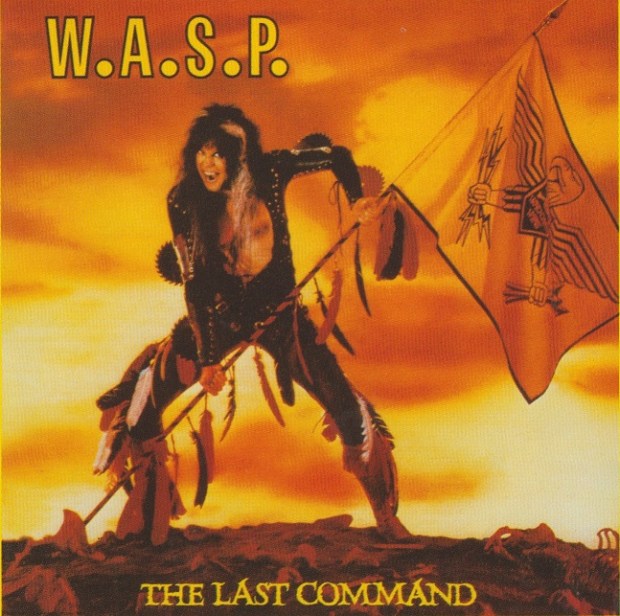
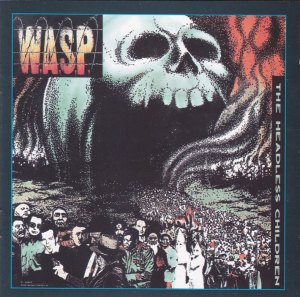
The first time I experienced the concept of modifying an album’s tracklist, I was just a kid. It was 1985, and I was recording the first W.A.S.P. cassette off my next door neighbour George (R.I.P.), from tape to tape.
“If you don’t like the song ‘Sleeping in the Fire’,” he said, “You can just push pause on this tape recorder. Then un-pause it when the song is over. Your copy won’t have ‘Sleeping in the Fire’ if that’s how you like it.”
Even then, I couldn’t imagine a reason to copy an entire album sans one song. I kept the tape running and never hit pause, but George’s advice kept tumbling around in my brain, for years. Over time I began experimenting with tracklist modification. Never to remove songs, mind you, always to add or improve.
Here are some examples of modified track lists in my library.
1. Adding bonus tracks
 Single B-sides just kind of float around in most collections. Due to their short running time, I don’t often spin CD singles. On a PC hard drive they tend to get lost while full albums get more play. To give some of these B-sides a little more air time, in many cases I have chosen to add the songs as “bonus tracks”, at the end of the associated album. This works best when it’s just one or two tracks. More than that can extend an album listening experience too long.
Sometimes, different versions of albums will have unique bonus tracks. Perhaps there’s one on the vinyl version that is on nothing else. Japanese editions, deluxe versions, European editions, iTunes editions…there are usually lots of bonus tracks out there, but always on different versions of the disc. Why not take them all, and make your own “super deluxe edition” with all the bonus tracks in one spot? Listening to an album modified in this way can be a bit longer than the usual, but ultimately it’s rewarding to hear the entire body of work in one smooth sitting. My MP3 player is loaded with my complete version of Alice Cooper’s Welcome 2 My Nightmare, and it’s just 10 minutes shy of two hours long!
In extreme cases, there are so many bonus tracks out there that you may need to consider creating an entire “bonus disc” folder to house them all.
2. Removing gaps
The 1990’s were such a quaint time. Remember “hidden bonus tracks”? At the end of the album, instead of stopping, the CD would continue to play several minutes of silence. Then you would be surprised by a hidden unlisted song! A notable example is “Look at Your Game, Girl”, the infamous Charles Manson cover that Axl hid away at the end of The Spaghetti Incident. There was only a 10 second gap on that CD; still annoying but other albums had much longer pauses before the hidden track.
I use Audacity to remove the long gaps, or to isolate the hidden song to a track all its own. As much as I enjoy a “pure” listening experience the way the artist intended, these long gaps are pretty easy to sacrifice.
3. Restoring an intended song order
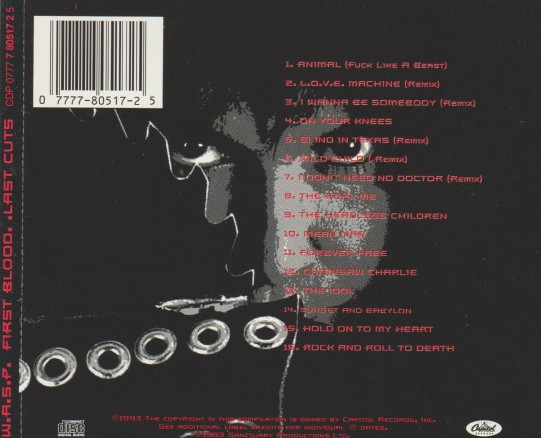
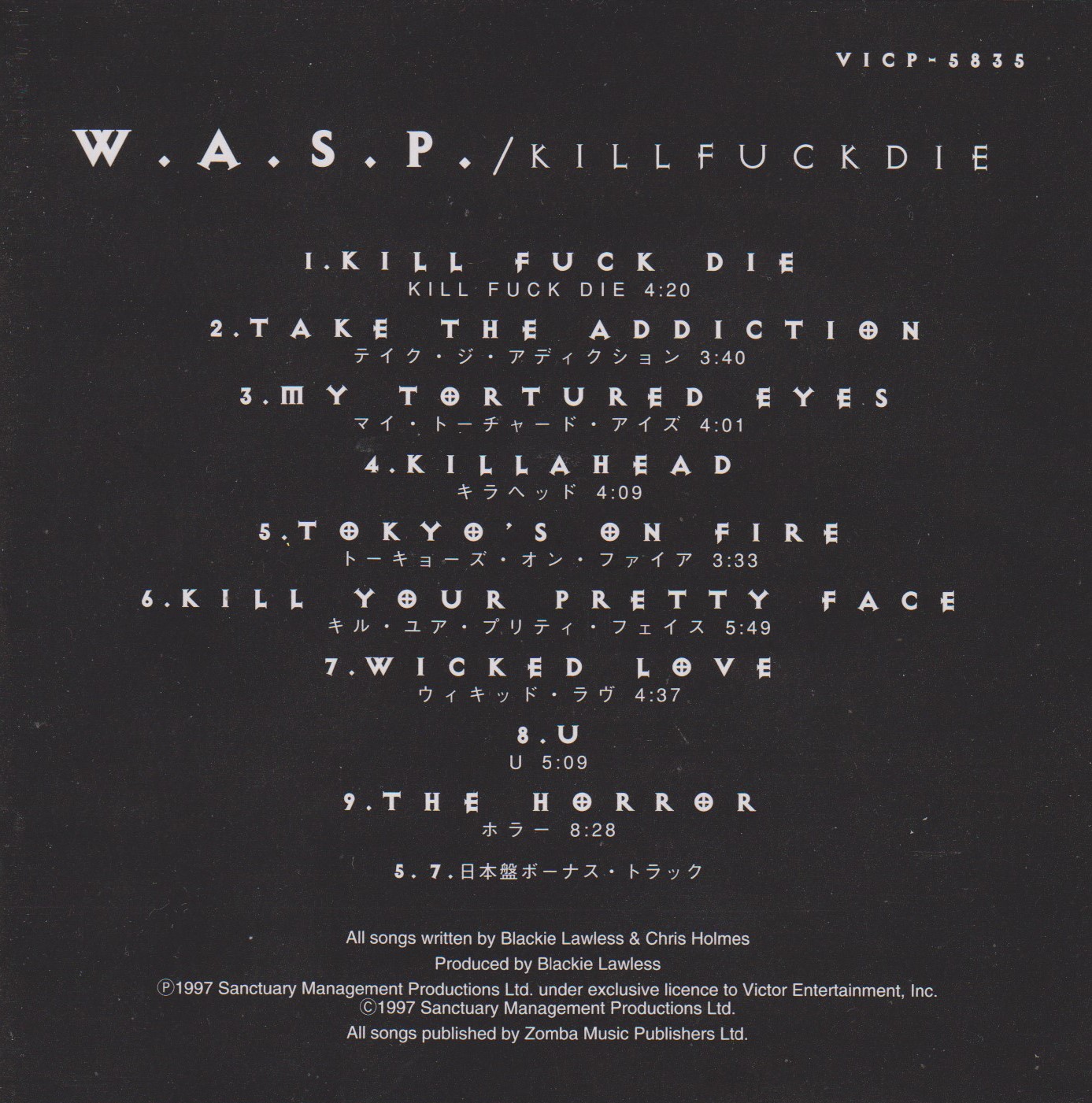
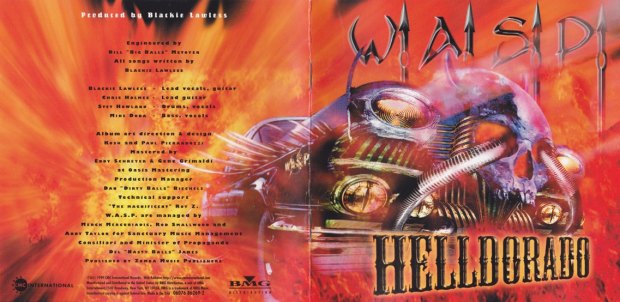
Rock and roll is full of stories about bands who couldn’t get their way when an album was released. W.A.S.P. for example wanted their song “Animal (Fuck Like a Beast)” to open their self titled album. Now you can add it there yourself! (W.A.S.P. also added the song to the start of the remastered version of the album.) You can even use Audacity to adjust the volume levels, so that everything matches.
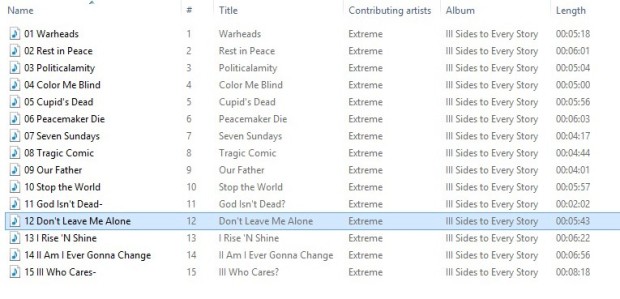
A better example is Extreme’s III Sides to Every Story. The piano ballad “Don’t Leave Me Alone” was only on the cassette version of the album. The CD couldn’t contain all the songs without making it a double, so that one had to be left off. Now you can re-add it yourself, right where it belongs at the end of “side two” and before the big side three suite. Now you can hear the whole album as Extreme intended, seamlessly.
Pardon the pun, but I took an even more “extreme” approach to their second album, Pornograffitti. The instrumental track “Fight of the Wounded Bumblebee” was written as a longer piece with a slow bluesy coda. This second half was recorded solo by Nuno Bettencourt as “Bumble Bee (Crash Landing)” for a guitar compilation. Using Audacity, I combined both tracks to restore the song to its original full structure. This is about as close as we will ever get to hearing the tracks as written. I dropped the new longer track into the album tracklisting and voila! Still seamless, but now with a new darker mood before “He-Man Woman Hater”.
Indeed, the possibilities are limitless. Steve Harris often complained that the Iron Maiden album No Prayer for the Dying should have had live crowd noise mixed in, like a live album. Now you can do that yourself. With a deft touch, you can even edit songs down yourself or extend them by looping sections.
With the advent of the computer as a listening device, the sky is now the limit. How would you modify your listening experiences?




















 mikeladano.com